
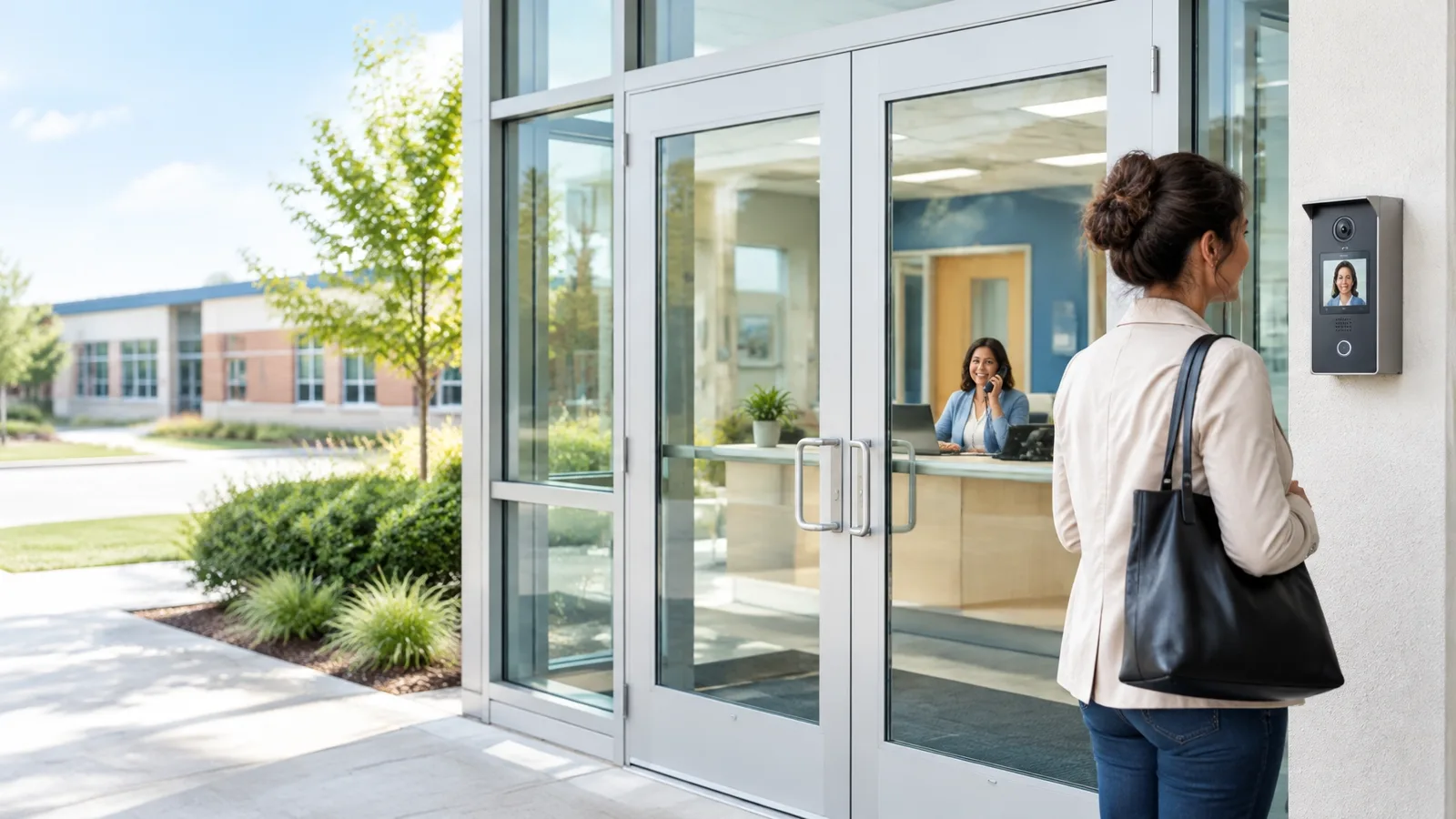
Quick answer: A VoIP intercom turns a front-door call box into an endpoint on your business phone system. When a visitor presses the button, the call can ring a desk phone, a reception group, a security station, or a compatible mobile app, and, with the right access-control integration, authorized staff can release the door from the device they already use. Schools, warehouses, clinics, and senior care facilities use this approach to replace stand-alone buzzers and combine door entry, paging, and phones into one system.
That familiar front-door buzzer has had a good run. But when staff need to answer a visitor, make a building announcement, and release a door using separate systems, the setup can feel like a call-in show where nobody knows which button to press.
More organizations are bringing intercom, paging, and door communication together on a VoIP phone system. The idea is practical: one connected setup for talking to visitors, reaching staff, and, when the right access-control integration is in place, letting authorized staff release a door. We know "one system to connect them all" sounds a little cheesy. We said it anyway.
What Changes When an Intercom Joins the Phone System?
A traditional intercom is usually wired to a dedicated console or a small group of speakers. A VoIP intercom, by contrast, works as an endpoint on a networked phone system. A visitor presses a call button, and the call can ring a designated desk phone, reception group, security station, or compatible app.
That makes everyday tasks simpler. Staff can speak with someone at an entry without walking to a separate panel. Depending on the equipment and configuration, they may also be able to view video and activate a door-release function from the answering device.
The same phone system can also support overhead paging, zone paging, and intercom calls to rooms or departments. The SIP standard (IETF RFC 3261) describes the signaling protocol used to establish and manage real-time communication sessions. In plain language: SIP lets compatible devices place calls to one another. It doesn't, on its own, decide who should be let in or how a lock should operate. That takes compatible equipment and carefully configured integrations.
Why Consolidate Intercom, Paging, and Access Control?
1. Fewer interfaces for staff to learn
A front-office team already uses desk phones throughout the day. Routing the entry call to a familiar phone, or to a compatible mobile app, makes it easier to respond without hunting for a dedicated intercom console.
2. More flexible call routing
During office hours, an entrance call might ring reception first, then another staff group if it goes unanswered. After hours, calls can route to an on-call staff member's cell phone, a designated answering point, or another agreed destination. The exact options depend on the phone system and intercom, so confirm how the call behaves in each scenario before choosing hardware.
3. Systems that work together
A VoIP phone system can connect with paging equipment, SIP door phones, and electronic access control. But integrations are not automatic just because all the devices use a network. Compatibility, call behavior, and which device or platform controls each function still need to be checked.
For more on how those pieces fit together, see our paging and intercom solutions and K-12 education communications.
Your VoIP Intercom Checklist
A useful setup begins with the tasks staff need to do, not a long list of features that look impressive in a brochure. Start with these questions:
- Where should calls ring? Consider reception, a backup group, a security desk, and a defined after-hours destination.
- Can staff release the door from the answering device? Confirm that the intercom, phone system, and access-control equipment support the desired workflow. A phone handset should not be treated as the access-control system itself.
- Are paging zones clearly defined? A school may need classroom, office, or building-wide paging; a warehouse may need shipping, production, and office zones. Clear groups help staff reach the intended area.
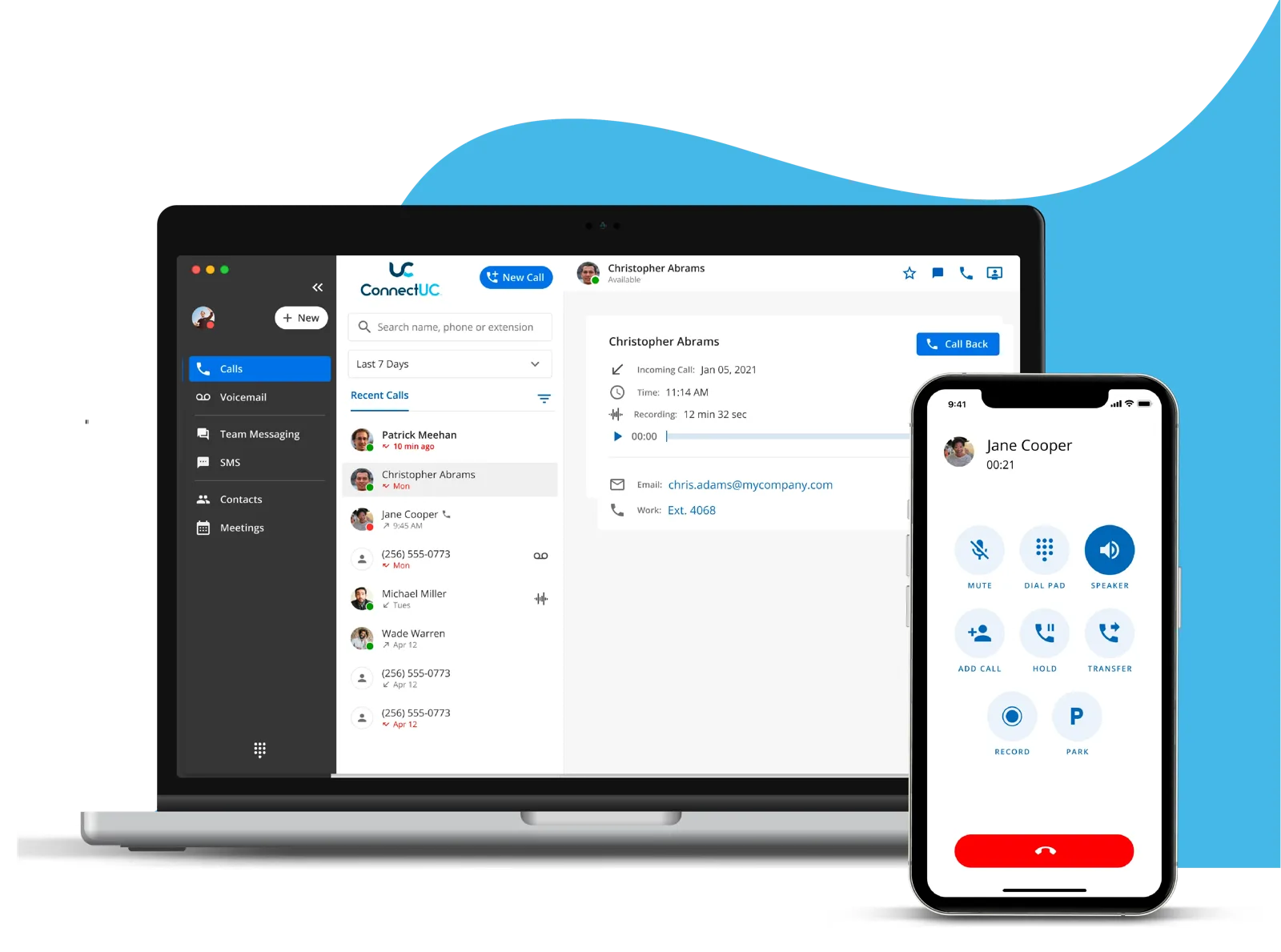
- Can staff answer from a mobile app? Check whether the app supports the functions the door call requires (audio, video, and release control) rather than assuming every mobile extension does.
- What happens when nobody answers? Agree on a fallback route for unanswered calls, busy periods, and after-hours coverage.
- What happens during an outage? Review power, network, and internet dependencies, along with your backup procedures.
- Who can release doors, and when? Set permissions around actual staff roles, and coordinate with your access-control provider on logging and other security requirements.
For school entry planning, the PASS School Safety and Security Guidelines offer additional considerations for visitor access and school security. Door hardware, fire and life-safety requirements, accessibility, and local codes also matter, so coordinate those details with the appropriate building, security, and life-safety professionals.
Where VoIP Intercoms Help Most
K-12 schools and early learning centers
A front-door call can ring the main office, where staff speak with a visitor and follow the school's established entry procedures. On a larger campus or a multi-school network, calls and paging can be organized by building or zone, while staff use mobile extensions to stay connected away from their desks.
The important part is the process behind the button: who verifies visitors, who can release the door, and what happens when the office is closed. A phone system supports that process, but it doesn't replace a visitor-management policy.
Warehouses and manufacturing plants
A dock door can be a busy place, and the person who needs to answer may not be sitting at reception. Routing an intercom call to a shipping office, floor supervisor, or another designated group helps keep deliveries moving. Paging zones also let staff send announcements to specific work areas instead of broadcasting every message everywhere (because nobody needs a dock-door update in the lunchroom five times). Read more in our warehouse VoIP paging guide.

Medical and dental offices
A clinic can route an entry call to reception or another designated staff group, helping patients and visitors reach someone without leaving the front desk unattended. After-hours routing can direct calls to a defined on-call destination, depending on the practice's procedures and system setup. For healthcare environments, also review privacy needs and make sure any communication workflow fits the organization's policies.
Senior care and home care facilities
At a senior care facility, an entry intercom gives staff a way to communicate with visitors or delivery personnel before directing them to the right place. A designated call group helps ensure the call reaches staff who are available to respond. As with any facility, align the system with visitor procedures and accessibility needs.
Businesses with multiple locations
A shared phone system makes it easier to apply similar call-routing and paging patterns across locations while still directing each entrance call to the right local team. Map out site-specific hours, backup destinations, and staff permissions before treating a multi-location setup as one-size-fits-all.
A Smoother Front Door Starts With a Clear Plan
Replacing an old buzzer isn't just a matter of swapping hardware. Map the visitor journey, decide where calls should ring, define who may release each door, and check how intercom, paging, phone system, and access control work together. Then test normal hours, after-hours routing, missed calls, and the functions staff rely on.
That's the unglamorous part, and, honestly, the part that keeps a system useful after installation day. It's also why HopDial offers on-site installation and hands-on staff training alongside remote deployments. Our K-12 communications overview explains how phone systems connect with intercom, paging, and door locks in school environments, and we also support medical and dental offices and manufacturing and warehouse facilities.
We're happy to talk through your front-door workflow, your paging zones, or the "who answers when reception is closed?" question. Tell us what's working, what's frustrating, and what would make the next visitor call easier to handle. Contact HopDial to start the conversation.
Frequently Asked Questions
What is a VoIP intercom?
A VoIP intercom is a door station or call box that connects to your network and business phone system. When a visitor presses the button, it places a call to a desk phone, a ring group, a security station, or a compatible mobile app instead of a stand-alone buzzer console.
Can staff unlock a door from their desk phone?
Yes, when the intercom, phone system, and access-control equipment support that workflow. The door release is controlled by the access-control integration; the phone is simply the device staff use to talk to the visitor and trigger the approved action.
Can a VoIP intercom ring a cell phone after hours?
In most configurations, yes. After-hours rules can route door calls to an on-call staff member, a mobile app, or another designated destination. Confirm which functions (audio, video, door release) the mobile app supports for your hardware.
Does a VoIP intercom replace a school visitor-management policy?
No. A VoIP intercom supports your entry procedures by making it easier to talk to and verify visitors, but schools still need a written policy covering who verifies visitors, who can release doors, and what happens when the office is closed.