

Quick answer: If your building loses internet, the desk phones on a cloud-hosted VoIP system may not be able to reach the phone platform, so inbound calls may not ring and outbound calls may fail. Failover keeps calls moving through an alternate route: forwarding to mobile phones or an answering service, a second internet circuit, a cellular LTE/5G backup, or local survivability equipment on site. Plan E911 separately, because a backup route does not automatically carry a desk phone's registered location.
It is 9:40 on a Tuesday morning. A storm has damaged a fiber line, or construction has cut a cable. At the front desk, the receptionist picks up the handset and hears nothing. Calls are not coming in, and staff cannot call out.
For a school, daycare, clinic, warehouse, care facility, or multi-location business, that is more than an inconvenience. It can interrupt customer service, daily operations, and essential communication.
This guide explains what may still work when the internet fails, what may stop, and what your organization can plan before an outage. The answer depends on the type of phone system you have and the failover options configured for your site.
It depends on which kind of phone system you have
A traditional on-premises PBX, the equipment that manages calls inside a building, may use analog or PSTN phone lines to connect to the public phone network. If the internet connection fails, those lines could continue to carry calls. That does not make the system outage-proof: the PBX still needs power, and a damaged phone line or local service disruption can still affect calls.
A modern cloud-hosted VoIP or UC (unified communications) system works differently. Desk phones send voice over the organization's local network and internet connection to the phone provider. If that connection is lost, the phones may no longer be able to reach the hosted platform.
VoIP offers useful features and flexible calling, but it shifts an important part of the risk: from the phone closet and phone lines to the internet circuit, network equipment, and power that support the connection. A phone may also be affected by a local power or network failure even when the provider's platform remains available.
What fails in an internet outage without failover?
If office phones cannot reach the cloud system, inbound calls may not ring at desks, and outbound calls from those phones may fail. A call already in progress can drop when the connection is interrupted.
Other functions may also be affected:
- Auto attendant and IVR: Callers may not hear the menu or reach the right department, depending on where those functions run.
- Voicemail: Voicemail hosted by the provider may still answer calls if the provider can route them, but calls that cannot reach that service may not be recorded. The exact behavior depends on call routing and system configuration.
- Paging and intercom: Network-connected speakers, phones, and intercom endpoints may go quiet if they depend on the affected connection.
- Call recording and reporting: Recording or reporting features that rely on the hosted platform may be interrupted or may not capture calls made through a separate backup path.
- SMS, text messaging, and notifications: Business texts and automated notifications may be delayed or unavailable if their service depends on the same internet connection or platform.
Internal extension-to-extension calls can sometimes continue if phones share a local network and the system was designed with local survivability. That is not automatic. Without that design, internal calls may fail too.
A mobile app is another possible route, but only if it can connect through a separate cellular data connection and the service is configured to keep working that way.
VoIP failover options, from basic to more resilient
Failover means directing calls or communications through an alternate route when the usual path is unavailable. Options differ in cost, complexity, and what they protect. A solution that keeps inbound calls moving may not preserve paging, internal calls, or emergency calling.
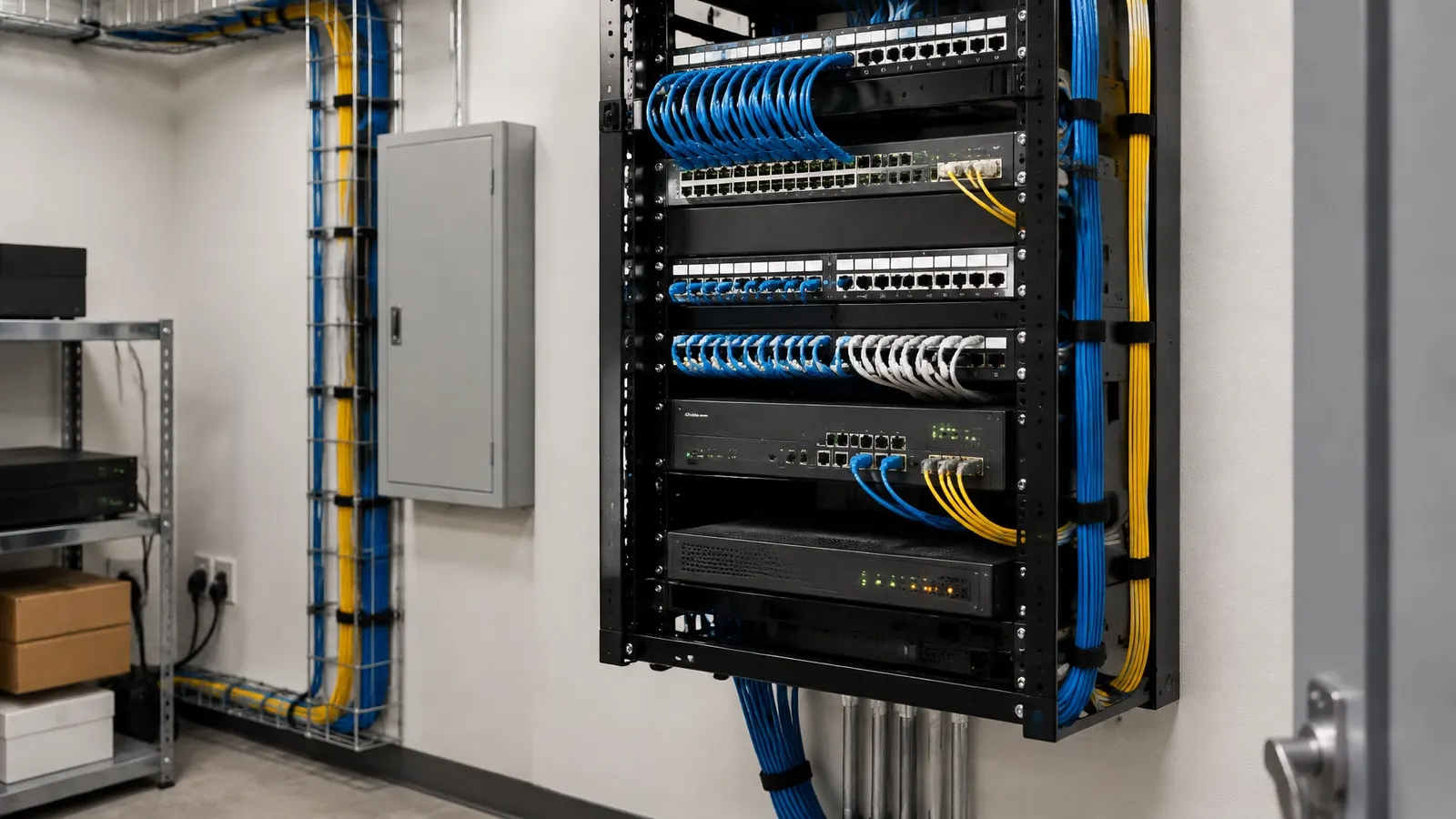
1. Forward calls to a mobile phone or answering service
The simplest approach is to set calls to forward to a mobile number or answering service when the system detects that an office phone is offline. This can help callers reach a person, but it does not keep calls within the organization's normal phone setup. Staff may lose shared features such as transfers, extensions, call queues, or visibility into who has answered.
Ask whether forwarding applies to every important number and how the system determines that a phone is offline.
2. Add a second internet circuit
A second ISP connection can provide an alternate route when the primary circuit fails. Options include a second fiber connection, fiber plus cable, or a fixed wireless service. A router with automatic failover can switch between connections after health checks show the primary path is unavailable.
Ask how the router checks connectivity. A reliable setup may ping multiple external targets rather than checking only the modem or one website. Detection and switching time depend on the equipment, settings, and the failure; a provider should explain its expected behavior rather than promise a universal cutoff time.
For the backup to help, it should not depend on the same vulnerable route or equipment as the primary circuit.
3. Use a cellular LTE or 5G backup
A cellular backup router or modem with a SIM can provide internet access when wired service is down. Voice calls generally require modest bandwidth, but adequate bandwidth alone does not guarantee good call quality. Cellular coverage, signal strength, congestion, and the data plan all matter.
Test the signal inside the actual building. Warehouses, basements, and metal-frame buildings can weaken cellular reception. Confirm how many concurrent calls the connection is expected to support and test call quality under realistic conditions.
4. Plan for local or branch survivability
Local survivability keeps selected phone functions available at a site when its connection to the cloud is lost. A local gateway or on-site session border controller may support internal calls, paging, or calls out to local numbers, if those features and routes have been configured.
The site equipment must remain powered, and it needs an available route for calls to reach the public phone network. Survivability is not a guarantee that every UC feature will continue as usual. Confirm which phones, services, and emergency routes are actually supported.
5. Ask about carrier route redundancy
A hosted phone platform connects to the public phone network through one or more carriers. A second carrier or alternate route can keep calls flowing if the primary carrier or route has a problem, with the platform monitoring each path and shifting calls when it detects a failure.
This protects against carrier-side failures; it does not by itself solve a dead internet circuit between your site and the phone system. For it to help during a local outage, your site still needs a working path to the platform, such as a second circuit or cellular backup.
6. Check the provider's geographic redundancy
A hosted phone platform may run across multiple data centers. Geographic redundancy can help protect against some provider-side failures, depending on the platform and how its services are designed.
It does not fix a failure in your building's last-mile internet connection. If your site cannot reach the provider, additional provider data centers do not restore that local connection. Ask what the provider's redundancy covers, and what it does not.
7. Ask what the provider already includes
Some of this can be built into the service rather than added on afterwards. Hosted platforms vary widely, so it is worth asking which protections are standard and which are paid options. HopDial's business VoIP service, for example, includes automatic backup failover, geo-redundant data centers in the United States, and 24/7 network monitoring as part of the platform (see the full solution set). That does not remove the need to plan for a power or circuit failure at your own building, but it does change which parts of the outage plan belong to your provider and which belong to your team.
E911 and public safety during an outage
This is a critical part of the plan. If desk phones are unavailable, staff need to know which nearby phone they can use, how to reach emergency services, and how to contact one another. Emergency calls should have a clearly defined backup path that has been reviewed for your system.
The FCC's VoIP and 911 guidance explains that VoIP 911 service can be affected by loss of broadband or power. It also emphasizes the importance of keeping the registered service address current. For business systems, check that E911 location information is correct and maintained for each phone or location, including relevant floor or suite details where applicable.
During an outage, staff using a mobile phone should be ready to state their location verbally. A mobile call may not provide the same location details as a properly configured fixed phone. Do not assume that a backup route automatically preserves the desk phone's E911 location.
For schools, daycares, and senior care facilities, include phone outages in the emergency plan and practice the steps. The plan should identify working phones, responsible staff, and how to communicate if paging or intercom equipment is also unavailable.
What to test and ask before you sign
Use these questions to clarify how failover works in practice:
- How does the system detect a failed internet circuit, and what affects how quickly it switches?
- Does failover cover inbound calls, outbound calls, paging, intercom, and emergency calls, or only some of them?
- What happens to voicemail, call recordings, call queues, and reporting during an outage?
- Do paging and intercom traffic stay local, or do they depend on the cloud or internet connection?
- Is cellular backup sized for the expected number of concurrent calls, and has it been tested inside the building?
- Is there a documented manual override, and who is authorized to use it?
- How do after-hours, on-call, and answering-service routes behave during an outage?
- Who monitors the system, and whom should staff contact outside normal business hours?
- How often is failover tested, and what is included in each test?
- How are E911 addresses and backup calling paths checked when phones, staff, or locations change?
Testing should cover the path the organization expects to use, not just whether a router reports that a backup connection is online. Coordinate emergency-call testing with your provider and the appropriate local procedures; do not place an uncoordinated test call to 911.
Consider the needs of your organization

A communication plan should account for the work that needs to continue, not just the handsets on desks.
- K-12 schools and early learning centers: All-clear announcements, paging zones, and parent notifications may rely on different systems. Identify what will continue if internet-based phones, paging, or intercom are unavailable, and coordinate the fallback with the school's emergency plan. Explore HopDial's K-12 communication solutions and early learning center options.
- Medical and dental offices: Missed patient calls can mean missed appointments, delayed follow-up, and extra work for staff. Include after-hours routing and patient communication in the continuity plan. Business continuity and HIPAA obligations still apply when choosing alternate communication methods. See medical and dental phone solutions.
- Warehouses and manufacturing plants: Floor paging, gate and dock-door intercoms, and connected access control may depend on different network equipment. Cellular signal can also be weak inside metal buildings, so verify coverage where staff would actually use backup phones. Review HopDial's phone systems for manufacturing and similar industrial operations.
- Senior care and home care agencies: Plan how staff will receive on-call escalation and communicate with residents or families if normal phone routes are interrupted. Identify alternate phones and who is responsible for activating the backup process. See communication solutions for home health care.
- Multi-location businesses: Decide which failover rules should be consistent across sites and which need to vary by location. Centralized call routing can simplify administration, but each site still needs an appropriate internet backup, power plan, and accurate E911 location information.
Plan first, buy second
Failover works best when it is part of the phone system decision, not an afterthought. Document the outage plan, identify essential functions, assign responsibilities, and test the planned routes on a regular schedule. Include the network equipment and power that the plan depends on.
FEMA's business continuity planning guidance recommends organizing a continuity effort and developing and testing a plan for business disruptions. That approach applies to communications too: choose a backup that matches your organization's needs, then confirm that staff know how to use it.
HopDial supports schools, daycares, and businesses across the Philadelphia tri-state area (Southeastern Pennsylvania and South Jersey) and Southern California's Inland Empire with on-site installation as well as remote deployments, so failover can be planned around your actual building and circuits. Review HopDial's phone and communications solutions, see how HopDial compares with other providers, or contact HopDial to discuss failover for your sites.
Frequently Asked Questions
Do VoIP phones work when the internet is down?
Desk phones on a cloud-hosted VoIP system usually cannot reach the phone platform when the building loses internet, so inbound calls may not ring and outbound calls may fail. Calls can keep flowing if failover is in place, such as automatic forwarding to mobile phones, a second internet circuit, a cellular LTE/5G backup, or local survivability equipment.
What is VoIP failover?
VoIP failover directs calls through an alternate route when the usual path is unavailable. Common options include forwarding to mobile phones or an answering service, a second ISP circuit with an automatic failover router, cellular backup, local survivability, carrier route redundancy, and provider-side geographic redundancy.
Does 911 work on VoIP during a power or internet outage?
According to the FCC, VoIP 911 service can be affected by loss of broadband or power. Organizations should define a backup emergency calling path, keep E911 location information current for each phone, and train staff to state their location verbally when calling from a mobile phone.
Is a cellular backup enough to keep business phones running?
It can be, if the signal inside the building is strong and the connection is sized for the number of concurrent calls you expect. Test call quality inside the actual building, because warehouses, basements, and metal-frame buildings can weaken cellular reception.
Does geo-redundancy protect my office from an internet outage?
No. Provider data centers in multiple regions help protect against provider-side failures, but they cannot restore a failed internet connection at your building. Local outages need a site-level plan such as a second circuit, cellular backup, or call forwarding.