
HDSupport Center
Help for every phone on your desk.
Plain-English guides for your phones, voicemail, fax and network, written by the same team that installs and supports them.
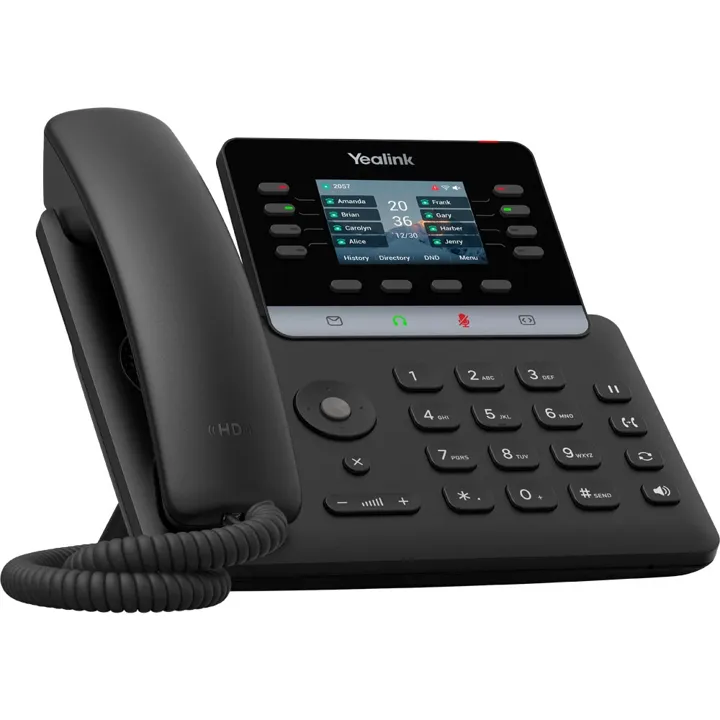
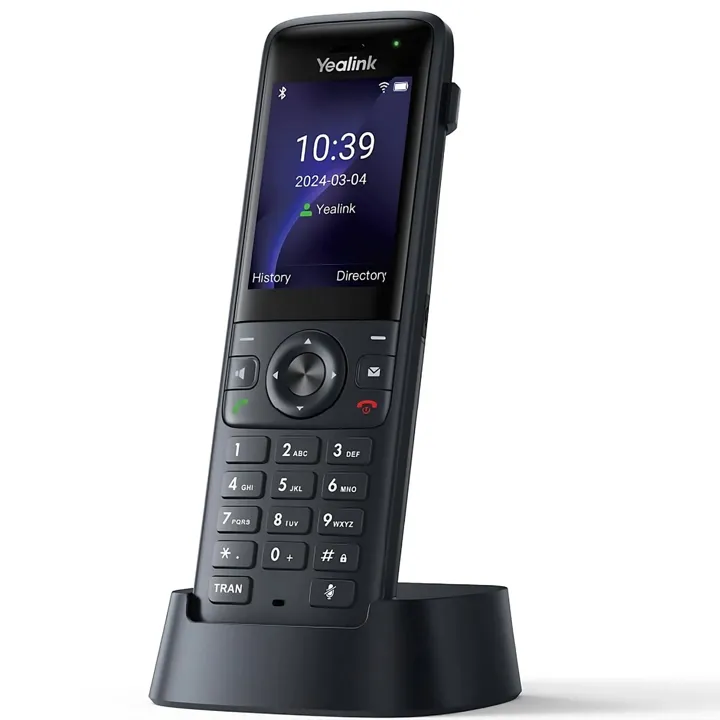
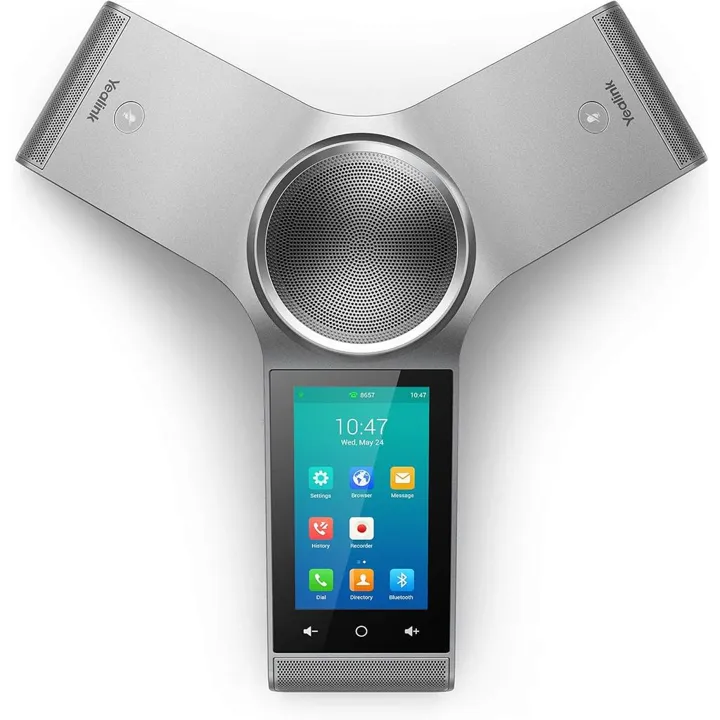
01Platforms
Start with the platform your office runs on.
HopDial runs two calling platforms. Buttons and star codes differ a little between them, so each one has its own set of guides.
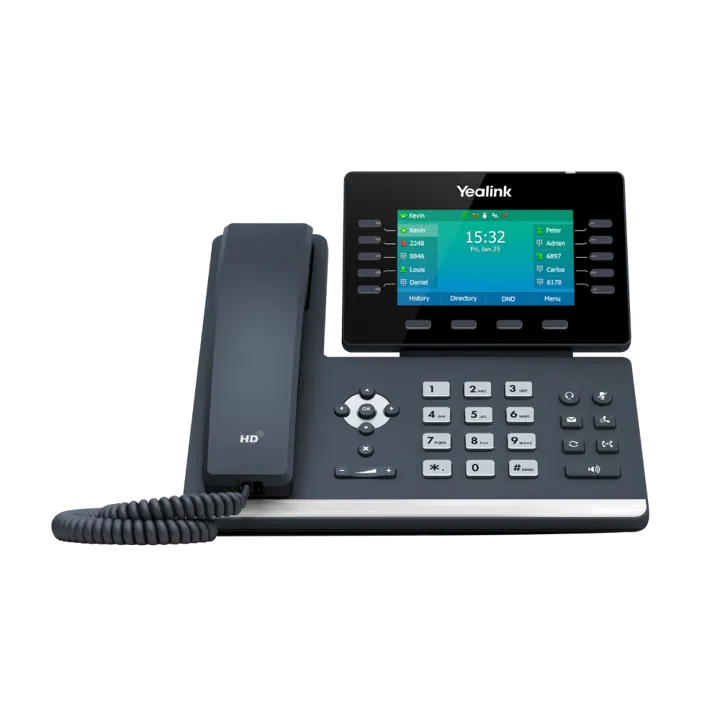
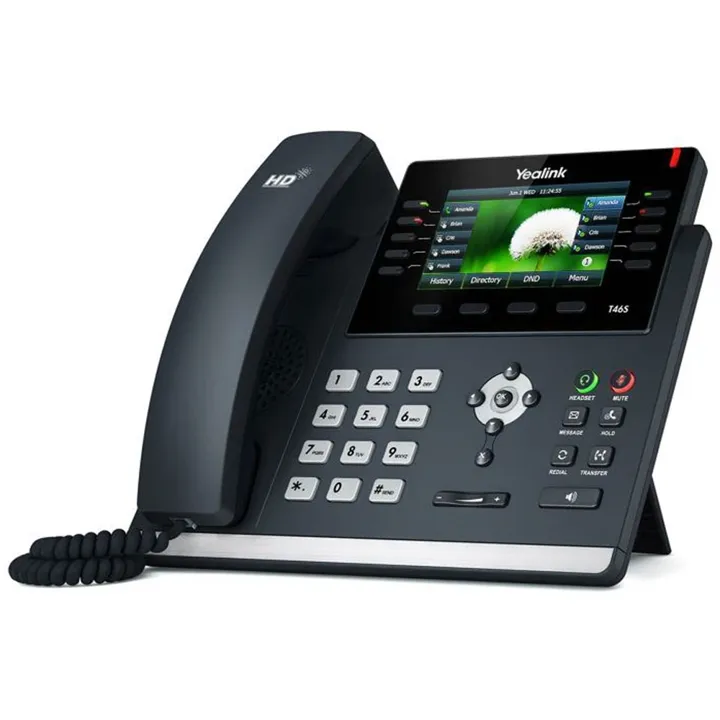
Not sure which one you have?
The quickest test is how you check voicemail from your desk phone.
Still unsure? Open a ticket and pick “Not sure”. We will look it up.
| Feature | CoreNexa | ConnectUC |
|---|---|---|
| Check voicemail | * plus your extension (e.g. *101) | Dial 5001 |
| Typical phone families | Yealink, Grandstream, Polycom, Panasonic | Yealink, Polycom, Grandstream, Algo, Snom |
| Featured guides | Call center queues, call routing time frames | Auto attendant greetings, door phones & paging |
02Any platform
Fax, network & older phones.
- 02.1FaxHopDial fax is a separate service that works the same whether your phones are on CoreNexa or ConnectUC. Send faxes from email or the Windows Print-to-Fax driver and receive them as PDFs.3 guides
- 02.2Network & DevicesGuides that apply to both platforms: network, firewall and QoS settings for clear calls, and analog phone adapters.2 guides
- 02.3Legacy DevicesDiscontinued models that still work with HopDial. These guides keep them usable, and each one notes the current model that replaces it.5 guides
03Most read
Popular guides.
- 01How to Send a Fax from Email with HopDialFax / Fax
- 02Print-to-Fax Driver: Install and Send Faxes from WindowsFax / Fax
- 03ConnectUC Voicemail Guide: PIN, Greetings, Menus & Email AlertsConnectUC / Voicemail
- 04CoreNexa Voicemail User Guide: Setup, Menus & Remote AccessCoreNexa / Voicemail
- 05Yealink T41P, T42S, T43U, T44U/W, T46S/U, T48S, T53W & T54W Guide (ConnectUC)ConnectUC / Desk phones
- 06Yealink T40G, T41P, T42, T44W, T46, T48 & T54 User Guide (CoreNexa)CoreNexa / Desk phones
- 07Network, Firewall & QoS Guide for HopDial PhonesNetwork & Devices / Network
04About support
The people who installed it are the people who support it.
HopDial is a business phone provider for small and mid-sized organizations. The same team that designs and installs each phone system on-site, and trains staff on it, also supports customers remotely after go-live. Customers reach support by ticket, by email at [email protected], or by phone at 866.305.0407.
These guides cover the desk, cordless, conference and door phones HopDial customers use, from Yealink, Polycom, Grandstream, Panasonic, Cisco, Algo and Snom, along with voicemail, call center queues, auto attendants, fax and network setup. Looking for a new system? See our solutions and phones, or contact sales.
Support FAQ
Still stuck?
A HopDial technician will follow up.
Open a ticket, attach a photo of the phone screen if you can, and we will take it from there. For a main-line outage, call us.